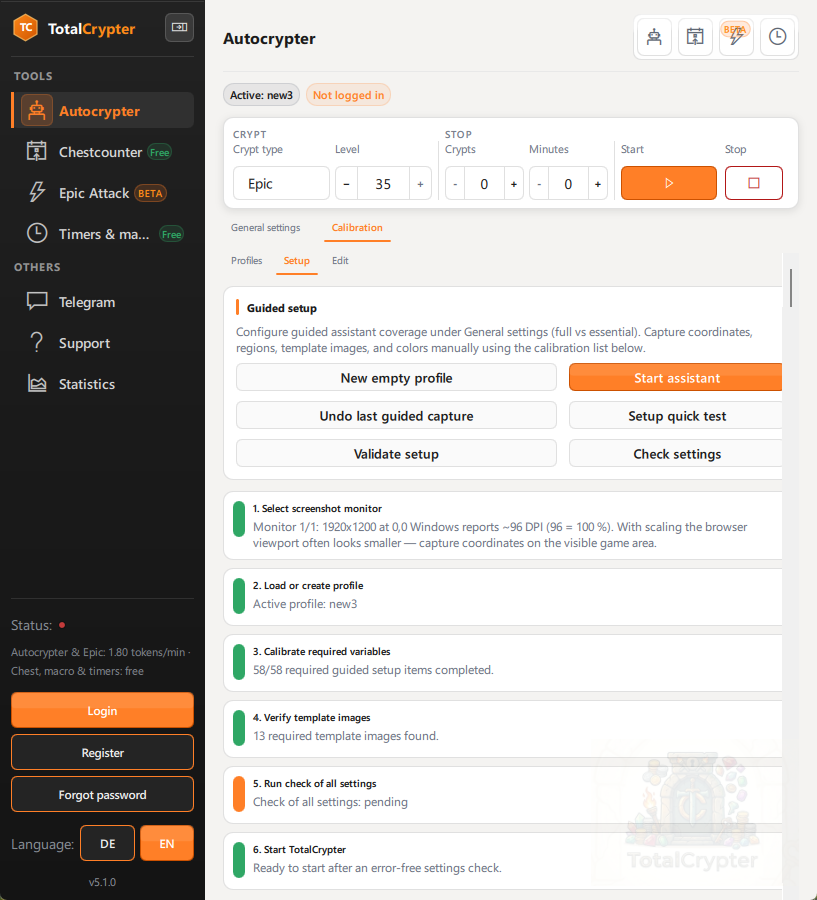
Step 1
Calibrate on your PC
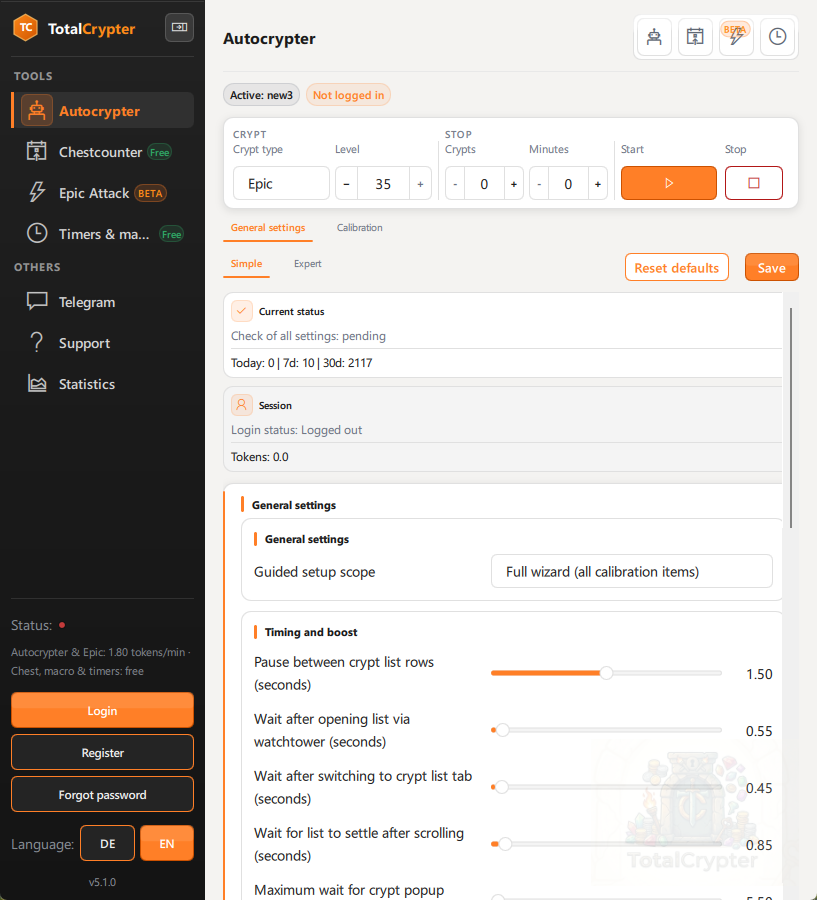
Profiles, setup assistant, and Edit under Autocrypter → Calibration. Templates match your resolution and browser zoom.
TotalCrypter is a desktop control centre — not a blind clicker. Calibrate your screen once, validate before tokens move, then run AutoCrypting with a free chest counter and tools that mirror the app you actually use.
Need live map alerts instead? Explore Telegram Intel for shield drops, mercenary exchanges, portals and private tools.
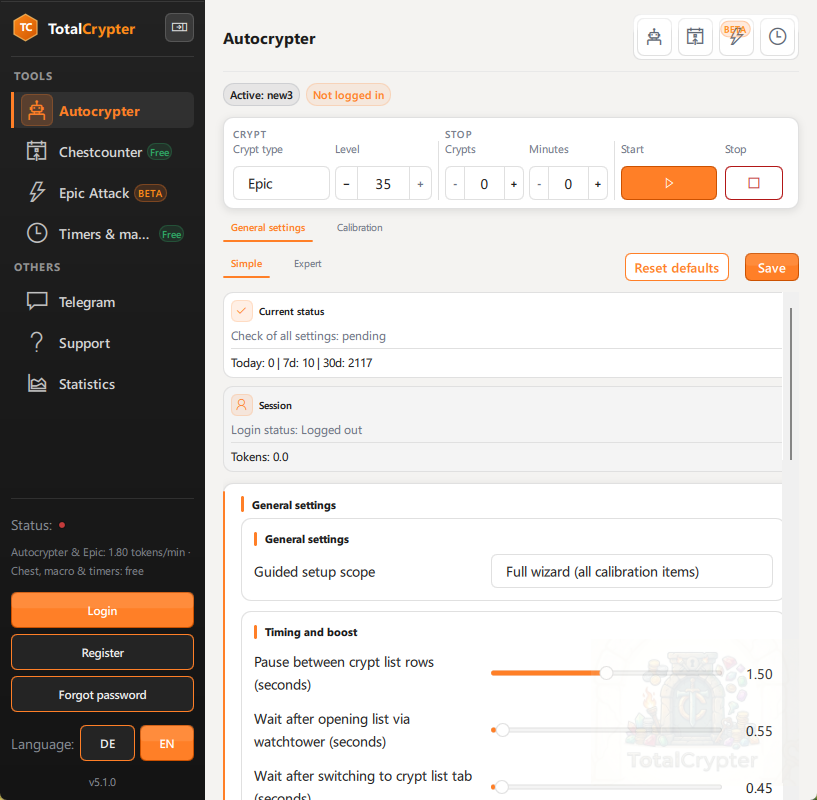
How it works
Three steps that match the app — from first profile to your first unattended session.
Profiles, setup assistant, and Edit under Autocrypter → Calibration. Templates match your resolution and browser zoom.
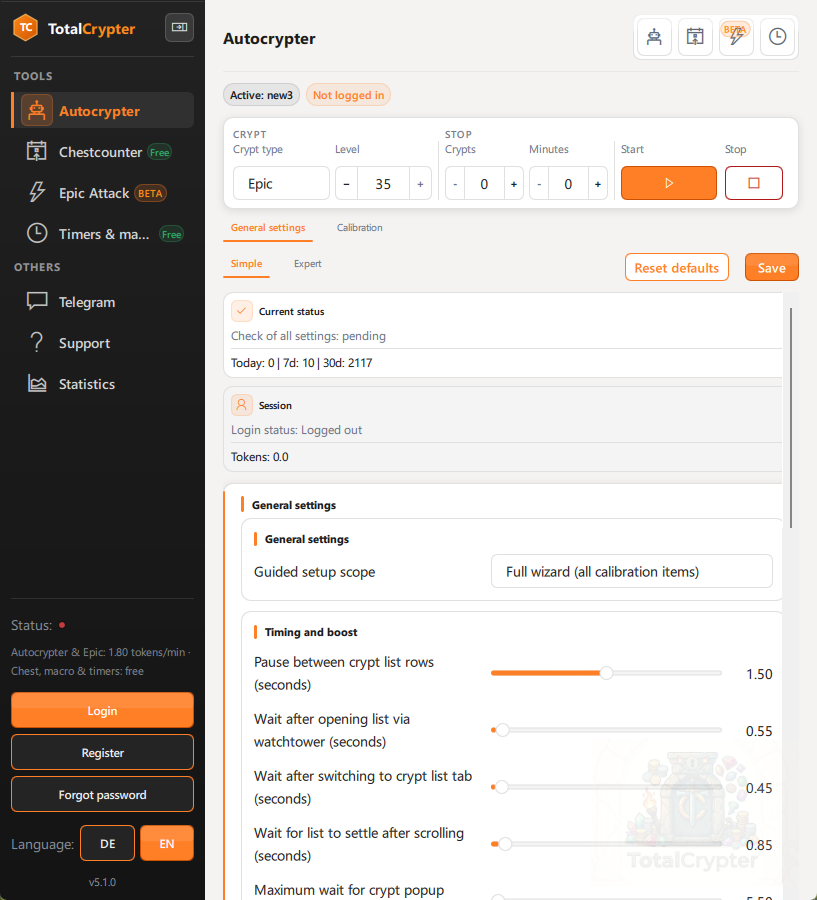
Run the system check so missing assets and scaling drift surface while you can still fix them.
Start AutoCrypting or the chest counter — the matching mini tool window stays on your desk. Stop anytime (Space hotkey).
Product
Autocrypter, Tools, and support pages — one coherent desktop product, not scattered scripts.
Template matching, boost handling, march-line guards, Telegram remote, and token balance visible before you start.
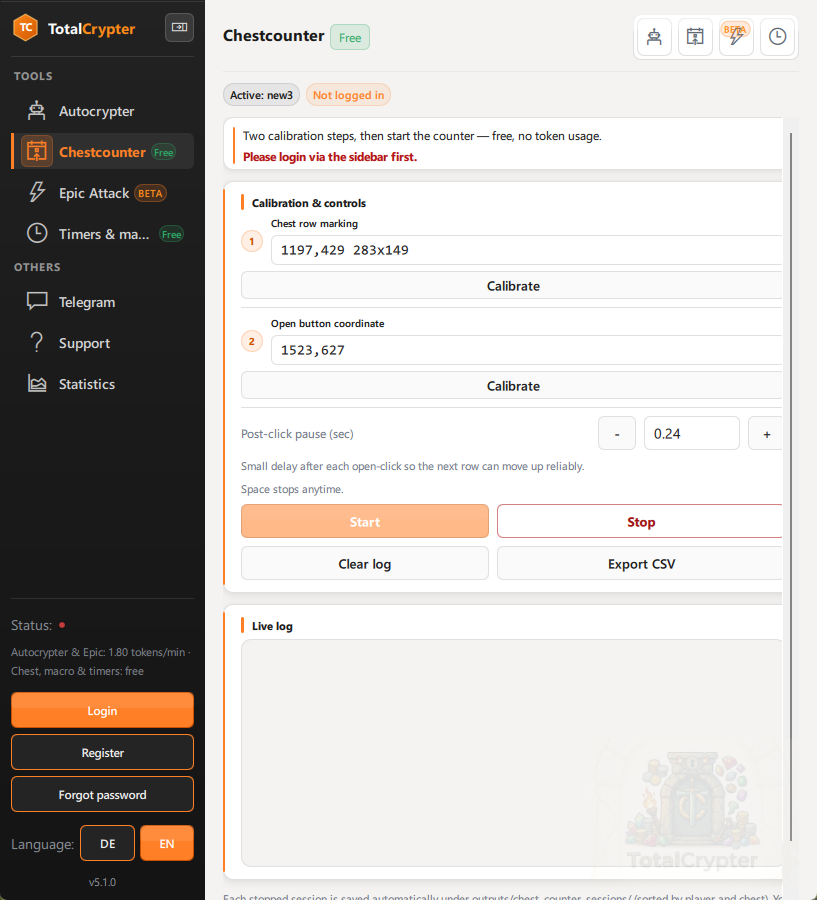
Banner OCR, live session log, CSV export — a full workflow shipped free with the same download.
Shield timers and a desktop macro recorder with arm delay — repeatable desktop work beside the main bot.
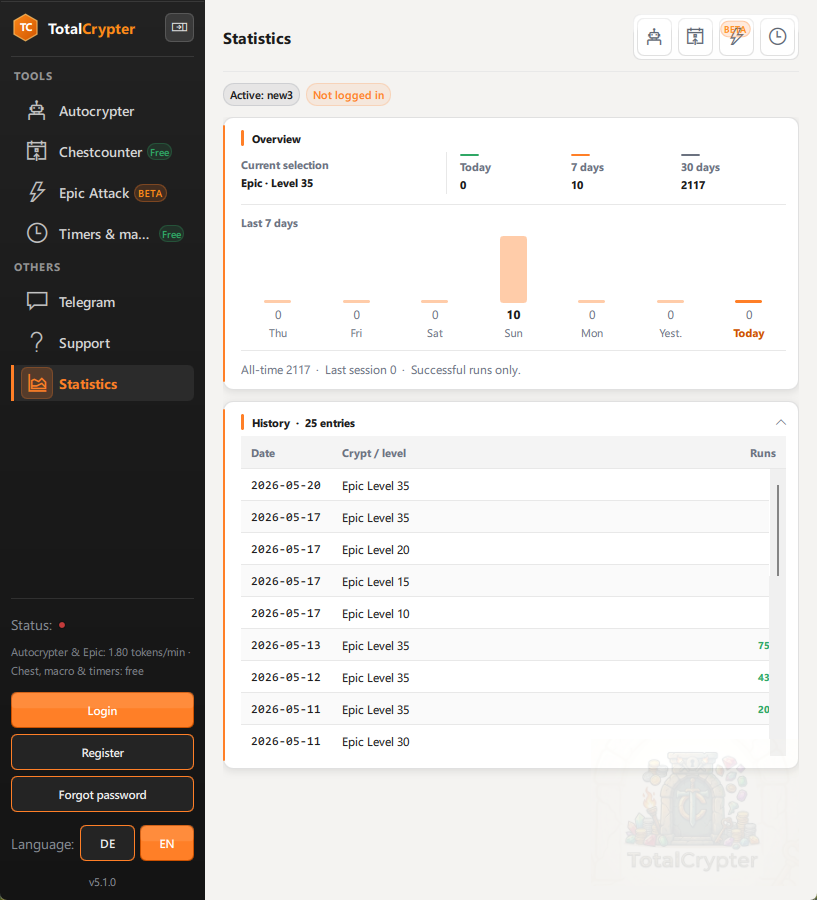
Epic Attack (beta) for a separate licensed loop; Statistics for run history; Telegram for remote status and control.
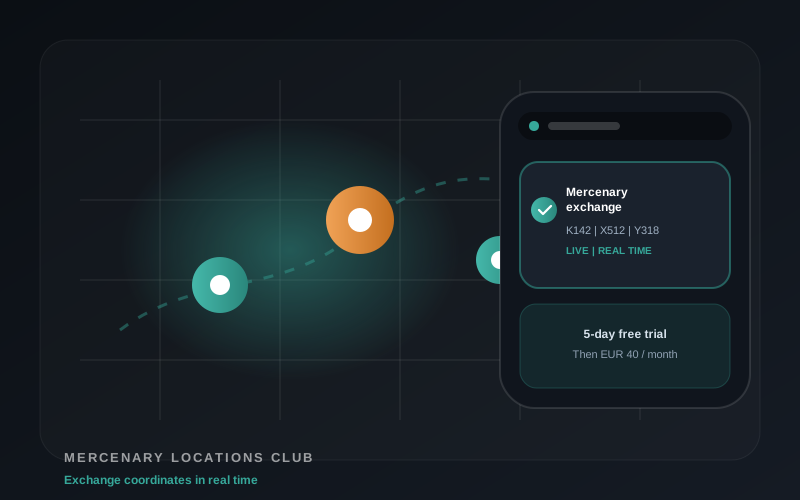
Live Total Battle map alerts on Telegram: mercenary exchanges, shield drops, portals and VIP private tools.
Telegram Intel
The app is the desktop workspace. Telegram Intel is the mobile decision layer: receive important Total Battle map alerts and use private tools without watching the map all day.
Separate Telegram subscription products. The Access Bot shows current plan options and channel access.
Video guides
Official walkthroughs for the current 5.1 UI — Autocrypter and chest counter, setup and in-game.
Best watched before your first long session.
Profiles, calibration assistant, validation — the full Autocrypter path.
Open on YouTubeRegions, OCR, and session logging for the free chest counter.
Open on YouTubeReal sessions with the current interface.
Why not a generic clicker
Template matching on the screen you calibrated — not one fixed pixel from a forum post.
Validation and system check catch broken profiles early — before tokens burn on a bad run.
Local desktop app with signed updates from totalcrypter.com — no opaque cloud bot.
Pricing
Autocrypter and Epic Attack (beta) use the token model — balance and burn rate visible in the app before you start.
Automation may conflict with third-party game terms — review our EULA and the game’s rules.
FAQ
A Windows desktop app for Total Battle crypt automation: AutoCrypting, optional Epic Attack (beta), a free chest counter, calibration, statistics, and Telegram remote — running locally on your PC.
Yes. It is built into the same download — calibrate once, run sessions, export CSV. AutoCrypting uses tokens shown in Autocrypter.
Plan 30–60 minutes for a careful first profile: watch the setup video, run the assistant, validate, then a short test run. The get started page walks you through each step.
Only from totalcrypter.com. Compare SHA-256 checksums on the download page before you install.
A separate Telegram subscription offer for Total Battle alerts and private tools. The Mercenary plan focuses on exchange locations. VIP includes shield alerts, portal alerts, mercenary alerts and the Private Tools Bot. Compare plans or open the Access Bot.
Telegram Intel offers mercenary alerts, VIP shield alerts, portal alerts and private tools.
Explore Telegram IntelDownload TotalCrypter 5.1.8, follow the setup guide, validate once — then run with full visibility.
Download now