Mercenary Alerts
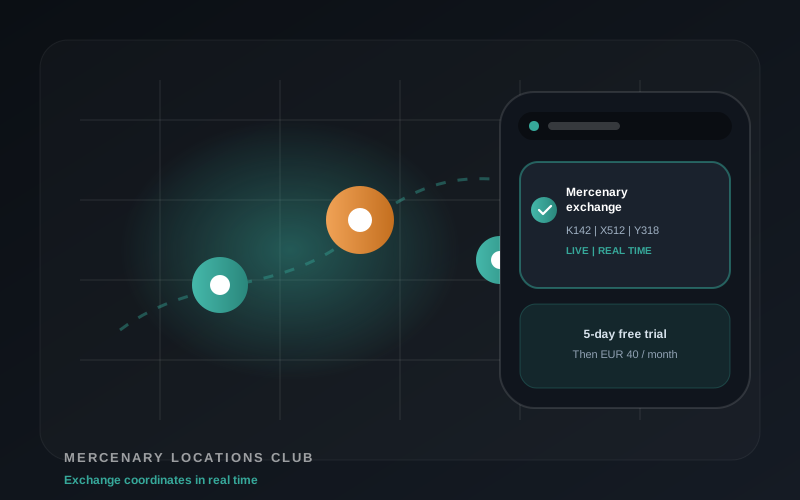
Mercenary exchange locations delivered to Telegram. Built for players who mainly care about exchange windows.
- Mercenary exchange alerts
- Telegram access links via Access Bot
- No Windows app required
Telegram access for Total Battle
Real-time Total Battle map alerts and private member tools on Telegram. The Windows app brings players in; Telegram Intel helps them react faster when the map creates an opportunity.
No Windows app required for Telegram access. Plan details and access links are handled by the Access Bot.
Tour
Shield, portals, mercenary exchanges, both plans, and how to join.
Plans
The Mercenary plan is focused and simple. VIP is the full alert and tools package.
Mercenary exchange locations delivered to Telegram. Built for players who mainly care about exchange windows.
The complete Telegram package: all alert channels and the private tools bot for faster decisions.
| Feature | Mercenary | VIP |
|---|---|---|
| Mercenary exchange alerts | Yes | Yes |
| Shield drop alerts | No | Yes |
| Portal alerts | No | Yes |
| Private Tools Bot | No | Yes |
| Player search | No | Yes |
| Line checks | No | Yes |
| Private alert filters | No | Yes |
What VIP members get
Fast alerts for cities where shield status changed and timing matters. Posts are compact, readable and made for quick action.
Mercenary exchange locations on Telegram. Use the focused plan or receive them as part of VIP.
Portal locations from shielded players, reduced for signal instead of flooding the channel.
Find players, check active lines, view portals by kingdom and manage private alert filters without leaving Telegram. Watch the tools tour
Readable posts
Telegram posts use a compact format so players can scan coordinates, gold, power, name and clan quickly.
Example format
111:417:411 | 1.1M | 849M | Aylor | AGW
132:500:600 | 255K | 796M | Player | TAC
154:551:509 | 15 | 3.3B | Odin | DEF
Examples are illustrative. Live channel posts depend on current map data and active plan access.
Access flow
Start the bot on Telegram and choose the plan that fits your play style.
The bot provides the links for the channels included in your active plan.
Watch the channels, use the private tools and manage personal filters directly in Telegram.
FAQ
No. Telegram Intel works through Telegram. The Windows app is a separate desktop product and remains the best entry point for automation users.
Choose Mercenary Alerts if you only want exchange locations. Choose VIP if you want all alert channels and the private tools bot.
VIP members can search players, check lines to and from coordinates, view portals by kingdom and manage personal alert filters.
Open the Access Bot, choose your plan and use the channel links the bot provides. If a link ever fails, contact support and the access can be refreshed.
The Access Bot shows the current plan options and checkout flow. The Mercenary page explains the focused Mercenary plan separately.
Choose Mercenary Alerts or VIP All Channels and join the included Telegram channels.
Open Access Bot